




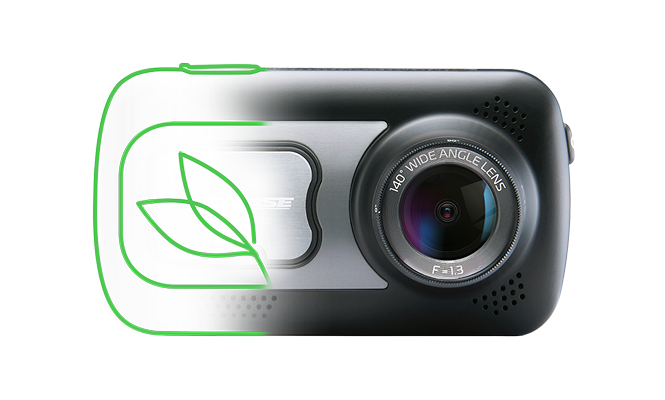




A black dashcam with a spherical lens attachment.

320XR Dash Cam Support

Below you'll find everything from instruction manuals and firmware upgrades to FAQs and tutorials

A black dashcam with a spherical lens attachment.

320XR Dash Cam Support

Below you'll find everything from instruction manuals and firmware upgrades to FAQs and tutorials

-

How can we help?

Setup & Installation help

Step-by-step instructions for quick and easy installation
View Instructions

Updating your firmware

Step-by-step instructions for quick and easy Update
Learn how to update

Downloading a video

Step-by-step instructions for quick and easy downloads
View instructions

Knowledge Base

Fitting a Dash Cam to an electric or hybrid vehicle

Nextbase Dash Cams work with electric and hybrid vehicles using a 12V port, compatible Hardwire Kit, or OBD connection.

How to install a Nextbase Hardwire Kit

Install Nextbase Hardwire Kit: tap a fuse, connect to GPS mount, ground to metal, hide cables. Use permanent live fuse for Smart Parking.

Series 2 LEDs

Series 2 LED indicators: Blue solid = charging, red solid = powered on, red flashing = recording, logo flashing = protected file.

Dash Cam 'Night Vision' explained

Dash Cam night vision explained: Nextbase cameras use visible-light sensors to capture clear footage in low-light conditions.

How Parking Mode works on a Series 2 Dash Cam

 Uses the G-sensor to detect movement or impacts while parked, automatically waking the Dash Cam to record a protected video clip.

Nextbase Service Centre Terms and Conditions (UK)

Nextbase Service Centre UK Terms and Conditions explain the full repair process, including warranty eligibility, out-of-warranty fees, inspection procedures, turnaround times, data responsibility, and return delivery policies. It outlines customer obligations, payment requirements, liability limits, and conditions for declined repairs, helping users understand their rights, costs, and what to expect when sending a dash cam for service or replacement.

Download Center

Manuals

Choose your manual from the dropdown to download.

Software

Here is the latest version of the MyNextbase Player computer software.

The minimum system requirements to allow this software to function are: Windows 7 OR MacOS 10.9,Processor : Intel Core i5, Memory: 4GB, Display resolution: 1280 x 720 or higher.

Firmware

Download the latest firmware for your product

Updating instructions here.

Mobile Apps

The 320XR is not mobile app compatible

Videos
Video Placeholder
How to install a Nextbase Series 2 Dash Cam
Video Placeholder
How to Hardwire a Nextbase Dash Cam
×

Still have a Question?

We've got you

24 Online Customer Service